
Install Symlex VPN easily on Android, iPhone, Windows, macOS, Fire TV, and more.
Fix common problems like connection errors, unstable speeds, login issues, and app crashes.
Manage your subscription, payment methods, refunds, account recovery, and renewals in one place.
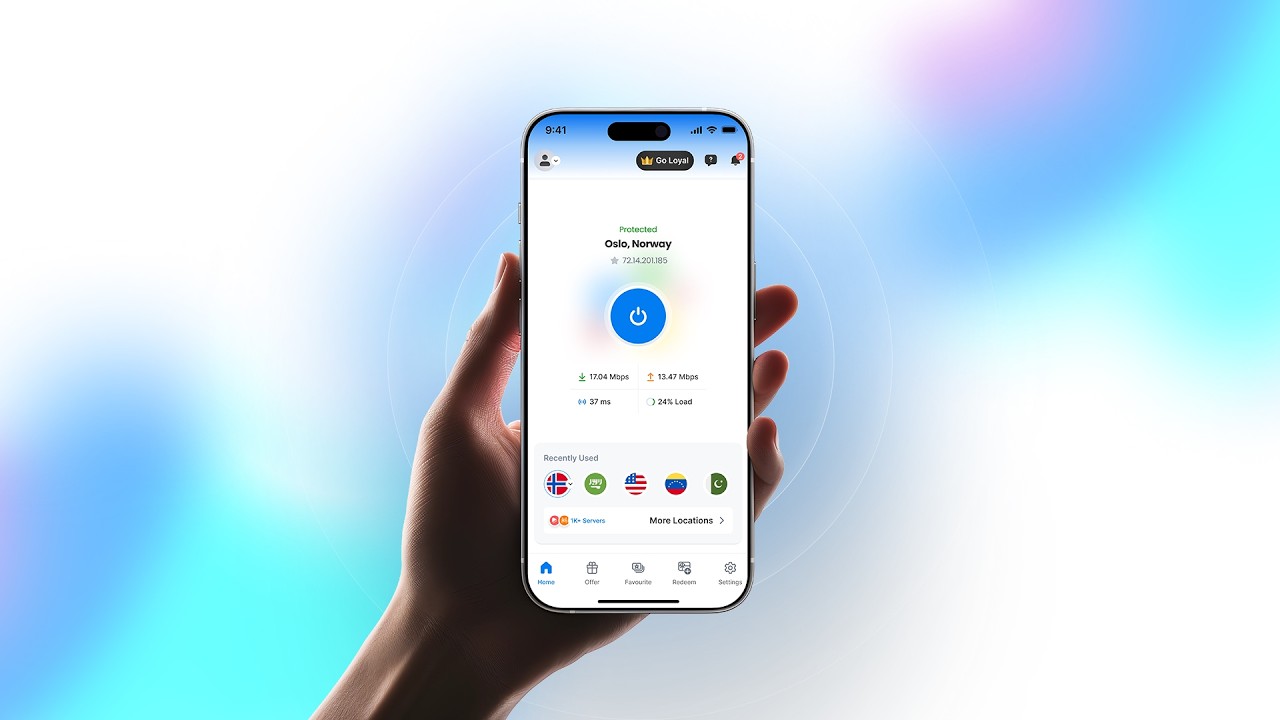

Enjoy a unified experience across phones, tablets, computers, TVs, and streaming devices.


Symlex VPN helps hide your IP address and encrypts your connection, making your browsing more private on public or home networks.
Symlex VPN supports Android, iPhone, iPad, Windows, macOS, and Fire TV, so you can stay connected on most devices.
All premium plans let you connect several devices simultaneously. Check your plan and contact support to know the exact device limit and rules.
Yes, Symlex VPN offers a 5-day trial period after registration so you can test the app's features before committing to a paid subscription.
Download the app for your device, log in with your account details, and follow the simple, guided setup steps.
Go to your account settings to upgrade, downgrade, renew, or cancel your subscription anytime, without extra steps.
Visit the billing section of your account to review and update your payment method, or contact our support team via live chat, email ([email protected]), or WhatsApp.