
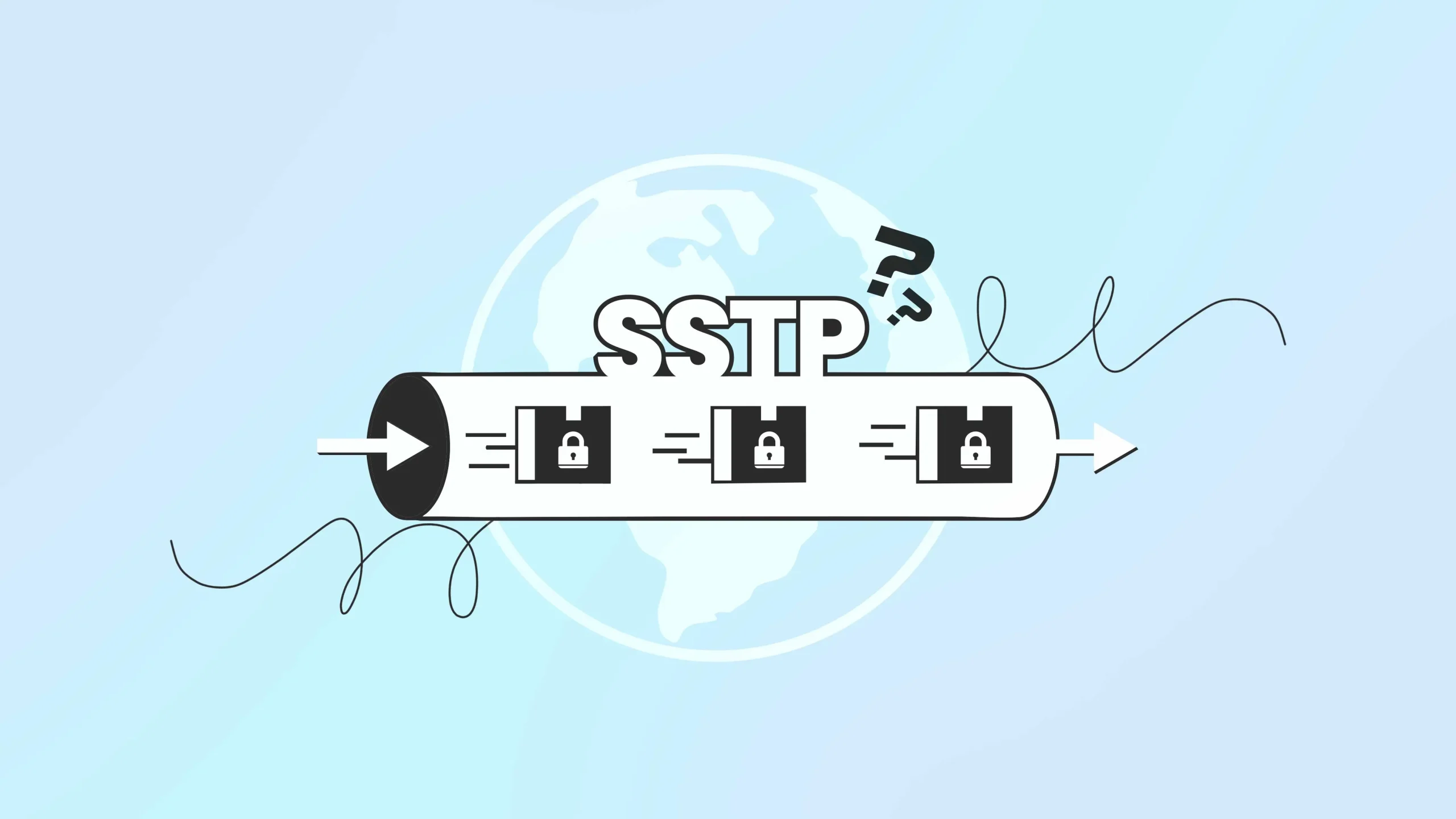
The Secure Sockets Tunneling Protocol, or SSTP, is a VPN protocol Microsoft built to help users connect securely over networks that block common VPN traffic. It has been part of Windows since Vista SP1, and it still shows up in corporate VPN setups today, mostly because it blends in well with normal internet traffic.
How does SSTP work?
So, how does SSTP work exactly? It follows a clear sequence every time you connect.
| Stage | What happens |
| Connection setup | Your device makes a standard TCP connection to the VPN server over port 443, the same port used for secure websites. |
| SSL/TLS handshake | The server proves its identity with an SSL certificate, and both sides agree on encryption settings. |
| HTTPS request | Your device signals that it wants to use SSTP. Once the server responds, the encrypted tunnel becomes active. |
| PPP authentication | A second login layer happens inside the tunnel, using methods like EAP-TLS or MS-CHAP. |
| Data transmission | Once authentication succeeds, your data travels through the tunnel, wrapped in multiple layers of encryption. |
Here, this layered process gives SSTP both its security and its benefits. To anyone watching network traffic from outside, it looks like you are simply browsing a secure website.
Is SSTP secure?
SSTP uses 256-bit AES encryption (standard trusted across banking, government, and enterprise systems). It also requires certificate-based server authentication, so your device can confirm it is talking to the real VPN server rather than an imposter.
Besides, SSTP adds a second authentication layer through PPP, creating an extra checkpoint before the connection is fully established. Cryptographic binding ties your SSL session to your PPP authentication, which makes it harder for someone to hijack the session partway through.
SSTP has limits, though. It is a closed, proprietary Microsoft protocol, so independent researchers cannot fully audit its code the way they can with OpenVPN or WireGuard.
It also authenticates users only, not devices, which some strict enterprise policies require. For most personal and business use, its security setup holds up well.
Performance and the TCP-over-TCP issue
- SSTP wraps TCP-based traffic inside another TCP connection, which can lead to a slowdown known as “TCP-over-TCP.” When both layers try to retransmit lost data at the same time, delays can pile up.
- This mostly affects unstable connections, like satellite internet or mobile hotspots with weak signal. On stable fiber or cable connections, SSTP performs competitively with other VPN protocols.
- Encryption also adds some CPU load, though modern devices handle it without noticeable slowdown. Older or lower-powered devices may feel it more.
SSTP vs other VPN protocols
SSTP vs OpenVPN
Both rely on SSL/TLS and can run on port 443. OpenVPN is open source, works across nearly any device, and supports UDP, which avoids the TCP-over-TCP issue altogether. SSTP’s advantage is that it’s built into Windows, so you don’t need to install anything extra.
SSTP vs WireGuard
WireGuard uses newer, leaner code and generally performs faster in most speed tests. It is a strong pick when speed matters most. SSTP has the advantage of a longer real-world track record and native Windows support.
SSTP vs IKEv2
One of the clearest differences shows up on mobile devices. SSTP vs IKEv2 comparisons usually come down to network switching. IKEv2 reconnects automatically when you move from Wi-Fi to mobile data, while SSTP typically drops the connection and needs a manual reconnect.
SSTP vs L2TP/IPsec
L2TP/IPsec is secure but requires several ports to be open (UDP 500, 4500, and ESP), which many firewalls block. SSTP only needs port 443, which makes it more reliable on restrictive networks.
Does SSTP support IPv6?
Yes. If your network runs a mix of IPv4 and IPv6, double-check your routing and addressing on both ends, since mismatched settings are the most common source of problems in mixed environments.
How much bandwidth does SSTP use?
If you are wondering how much bandwidth SSTP uses, expect roughly 10 to 15% overhead compared to an unencrypted connection. This comes from the multiple layers involved, since SSL/TLS, PPP, and TCP headers each add extra data to every packet.
For everyday browsing, this is barely noticeable. It becomes more visible with video streaming or large file transfers, where the extra overhead adds up.
Can I use SSTP on Linux or Mac?
Windows has native support, so setup takes just a few clicks. Linux users can connect using third-party tools like sstp-client or SoftEther VPN, though these may not support every SSTP feature and can take more effort to set up.
Mac support is more limited and usually depends on third-party VPN clients, since macOS doesn’t include SSTP. If cross-platform simplicity matters more to you than Windows-native integration, OpenVPN or WireGuard may be more practical.
When should you choose SSTP?
SSTP works best in a few specific situations.
- Windows-based office networks, where native support means no extra software or setup.
- Restrictive networks, like hotels, airports, or public Wi-Fi, where only port 443 traffic usually gets through.
- Remote teams who need a dependable connection method without constant IT troubleshooting.
If your situation fits one of these, SSTP is a dependable, low-maintenance choice.
Common SSTP issues and how to fix them
Most SSTP problems trace back to a handful of causes.
- Expired certificates, mismatched server names, or untrusted certificate authorities will block new connections. Keeping certificates current and properly configured resolves most of these problems.
- Firewall and network filtering can occasionally interfere, even on port 443. Some advanced firewalls use deep packet inspection to detect VPN traffic patterns regardless of the port used. If SSTP fails while other HTTPS traffic works fine, this is often the cause.
- Authentication failures usually trace back to incorrect credentials, expired accounts, or misconfigured authentication servers. Turning on detailed logs on both the client and server side makes it much easier to find the exact problem.
Pros and Cons of SSTP
| Pros | Cons |
| Built into Windows (Vista SP1 and later), so no extra software is needed | Proprietary Microsoft protocol, so it lacks the open-source transparency of OpenVPN or WireGuard |
| Uses 256-bit AES encryption with certificate-based server authentication | Authenticates users only, not devices, which some strict enterprise policies require |
| Runs over port 443, the same port as secure websites, so it easily optimizes most firewalls | Can suffer from “TCP-over-TCP” slowdown on unstable connections like satellite or weak mobile signal |
| Adds a second authentication layer (PPP) on top of SSL/TLS for extra security | Drops the connection when switching networks (e.g., Wi-Fi to mobile data), unlike IKEv2 |
| Reliable on restrictive networks like hotels, airports, and corporate guest Wi-Fi | Limited native support outside Windows; Linux and Mac need third-party clients |
| Long real-world track record in enterprise and Windows-based deployments | Slower than newer protocols like WireGuard in most performance benchmarks |
| Supports split tunneling and IPv6 | Adds roughly 10-15% bandwidth overhead due to multiple encryption layers |
Frequently asked questions
SSTP relies on a single TCP connection, so switching networks usually drops the tunnel, and you will need to reconnect manually. Protocols like IKEv2 handle this more smoothly.
An expired certificate blocks new connections and can disconnect users who are already online. Monitoring and renewing certificates ahead of time avoids this entirely.
Yes. Split tunneling lets you send only specific traffic through the VPN while everything else uses your regular connection, which can save bandwidth and improve speed for everyday browsing.
That depends on your Windows Server license, available hardware, and network capacity. Performance usually dips before you hit a hard limit, so it is worth planning server capacity ahead of expected usage.
No. SSTP is built directly into Windows, so you only need your VPN provider’s server details and login credentials. Many providers still offer their own apps for convenience, but they are not required for the connection itself.
Final thoughts
SSTP is not the fastest option available today, and protocols like WireGuard will outperform it in most speed comparisons. But SSTP’s built-in Windows support and consistent access on port 443 still make it a dependable pick for many businesses and remote workers.